

Running demo · Record API and table view
Save a record, query it again, then export.
This self-built demo uses a real API to save and query records, with CSV export. Use synthetic business data. It is not a client case and does not connect to Google Sheets, Drive or a CRM.
Enter a record, review the list, then export.
These actual interface screenshots use read-only synthetic samples. Open the free demo to enter, save and query your own fictional records, then export CSV. The screenshots themselves are not editable forms or tables.
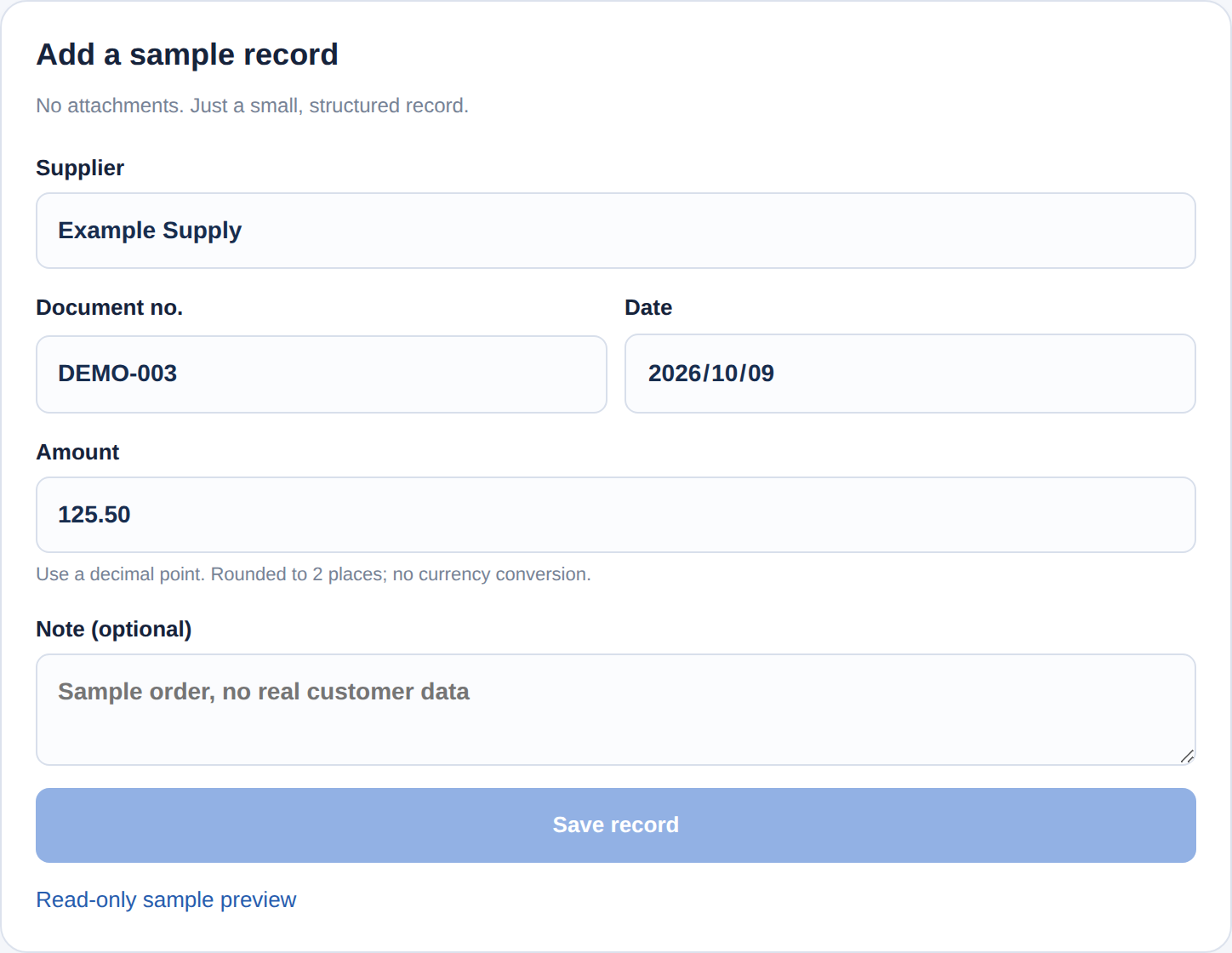
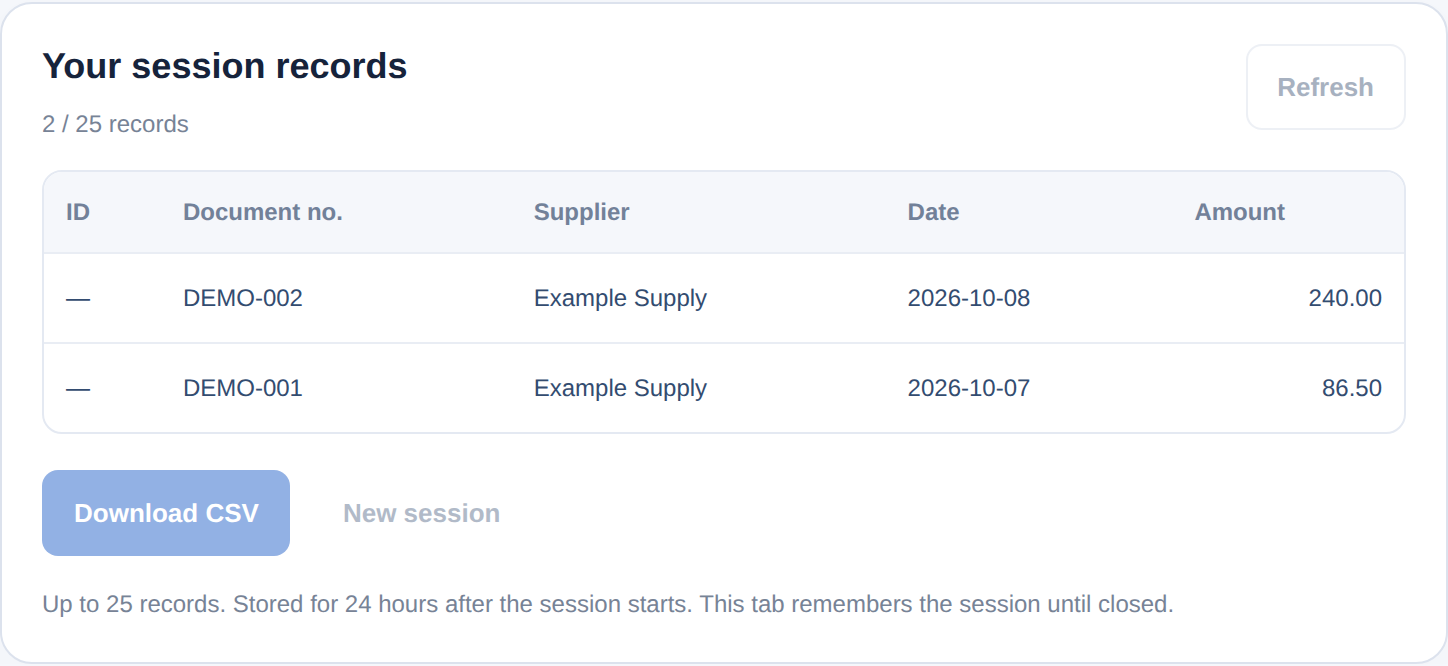
Save a record
Fill in sample fields and save through the API to your current session.
Query records
Query the records saved in your session and check the result.
Export CSV
Export your session’s records and open them in a spreadsheet tool.
What needs scoping for a real integration?
Review the target table or system’s API, fields, permissions, data ownership and retention rules. Attachment storage, Google Sheets, Drive, CRM, chat entry and automatic synchronization require separate agreement; these connections are not implemented in this demo.
Discuss a new workflow or an existing bot upgrade independently. Current projects focus on Telegram; other platforms are assessed first. The work shown does not limit the purposes you can enquire about.
What should be recorded, and where?
Bring a redacted example and the target system so fields, permissions and result checks can be agreed.